In Game Design we, developed a level scene with a debug component. In this scenario we had to create multiple scenes with different levels of difficulty. Each scene had to be more difficult than the last.
When you are playing through the level you press the left and right arrow keys to select a NPC that is following a predesigned path. This highlights the NPC yellow. Once you have done that you have four options. By pressing 1,2, or 3 you can make the NPC do different things within the Mechanim System. Pressing 1 pauses the mob until you press 1 again. Pressing 2 will change the direction of the NPC at the next waypoint. Pressing 3 sets off the alarm and the NPC grows bigger and turns red. They immediately head to the alarm box and then reset. In this exercise we used state machines to decide what the next state to NPC would transition to given a particular change.
I really enjoyed laying out the level and setting up the mechanics once I got all the scripting figured out.
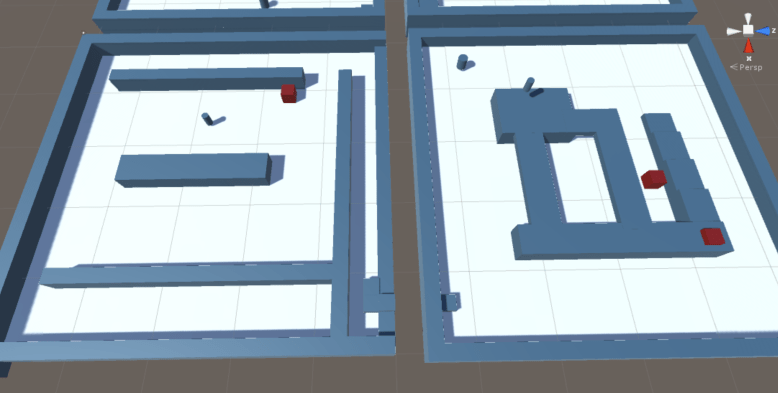
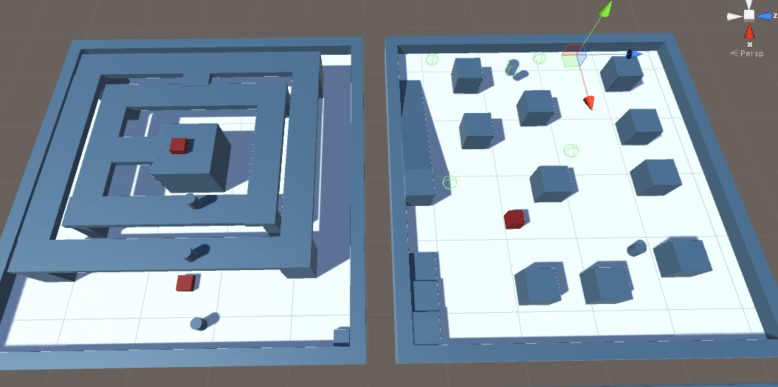
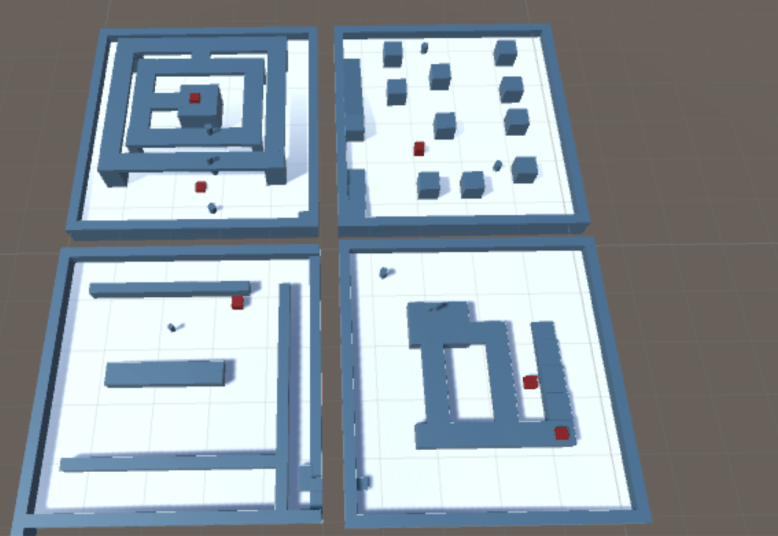
Here are some pictures from the scene.
 Kyle Kolash Portfolio